
A single room is easy to estimate. A four-story building is not, and the reason has nothing to do with the math on any one wall. It is that a building forces you to hold two numbers at the same time: what each floor needs, and what the whole building needs. Most estimating workflows can give you one or the other, not both.
The Two Numbers Problem
Estimate a building floor by floor in separate files and you get clean per-floor detail, but no building total without adding it all up by hand, every time something changes. Estimate it as one lump and you get a building total, but you have lost the per-floor breakdown the GC needs for phasing, the supplier needs for staged delivery, and you need for billing.
Neither is wrong. They are just two views of the same project, and the work is keeping them in sync.
Stack the Floors
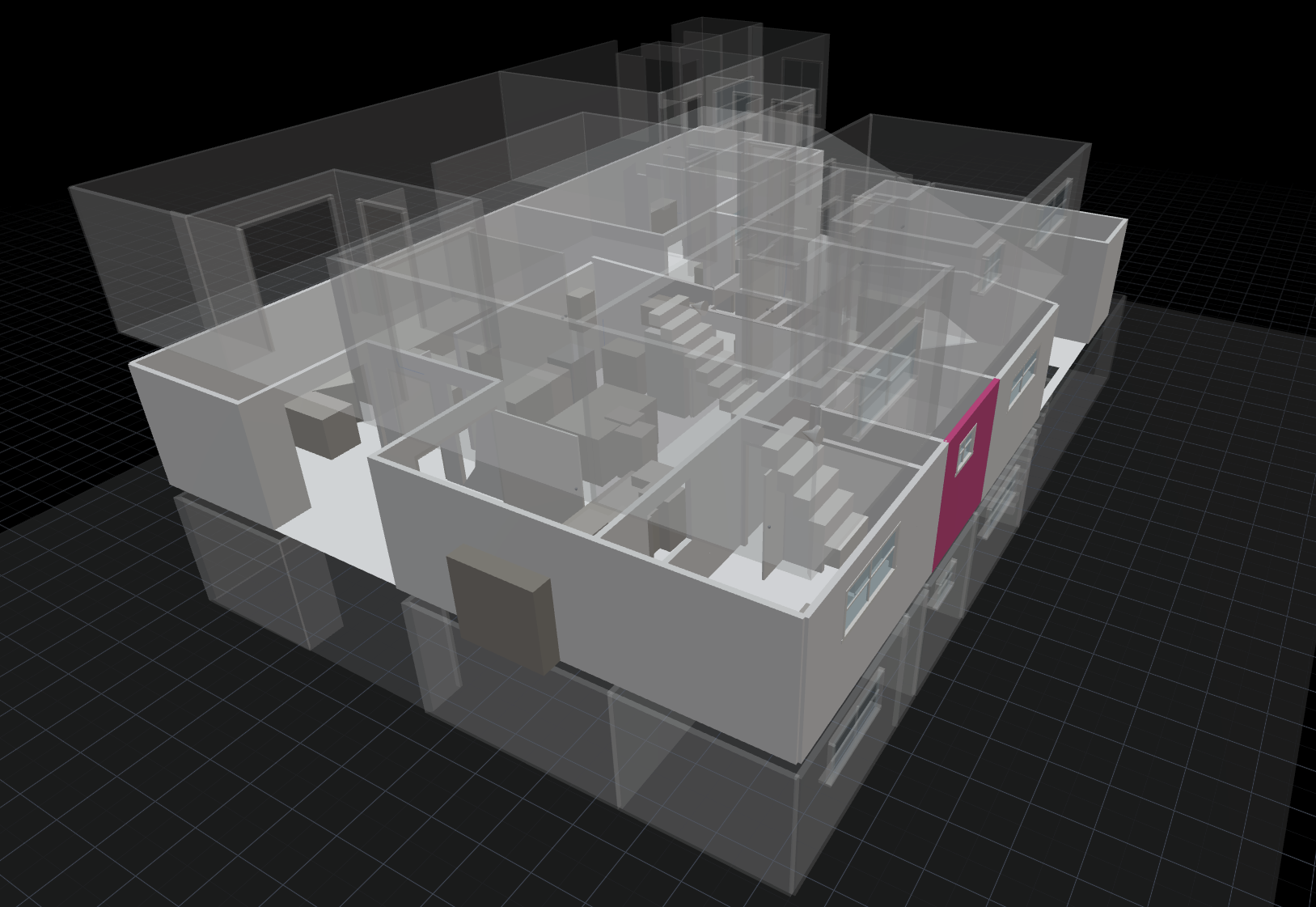
The fix starts with treating each floor as its own measured plan, then stacking those plans into one building. Each floor keeps its own rooms, walls, openings, ceiling heights, and material assignments. Nothing about a floor’s takeoff changes because it now lives in a building instead of a standalone file.
What changes is that the floors are now connected. A building is the sum of its floors, and the structure knows it.
Roll Up the Takeoff
Once the floors are stacked, the building takeoff is mechanical: every material quantity rolls up from the floors that use it.
Floor 1 paint:   12 gal      Floor 1 tile:  18 boxes
Floor 2 paint:    9 gal      Floor 2 tile:  14 boxes
Floor 3 paint:    9 gal      Floor 3 tile:  14 boxes
---------------------------------------------------
Building paint:  30 gal      Building tile: 46 boxes
The building total is the number you order against. The per-floor lines are the numbers you schedule, phase, and bill against. Both come from the same geometry, and both recompute the moment a wall height or a material assignment changes on any floor.
Why the Per-Floor Detail Has to Survive
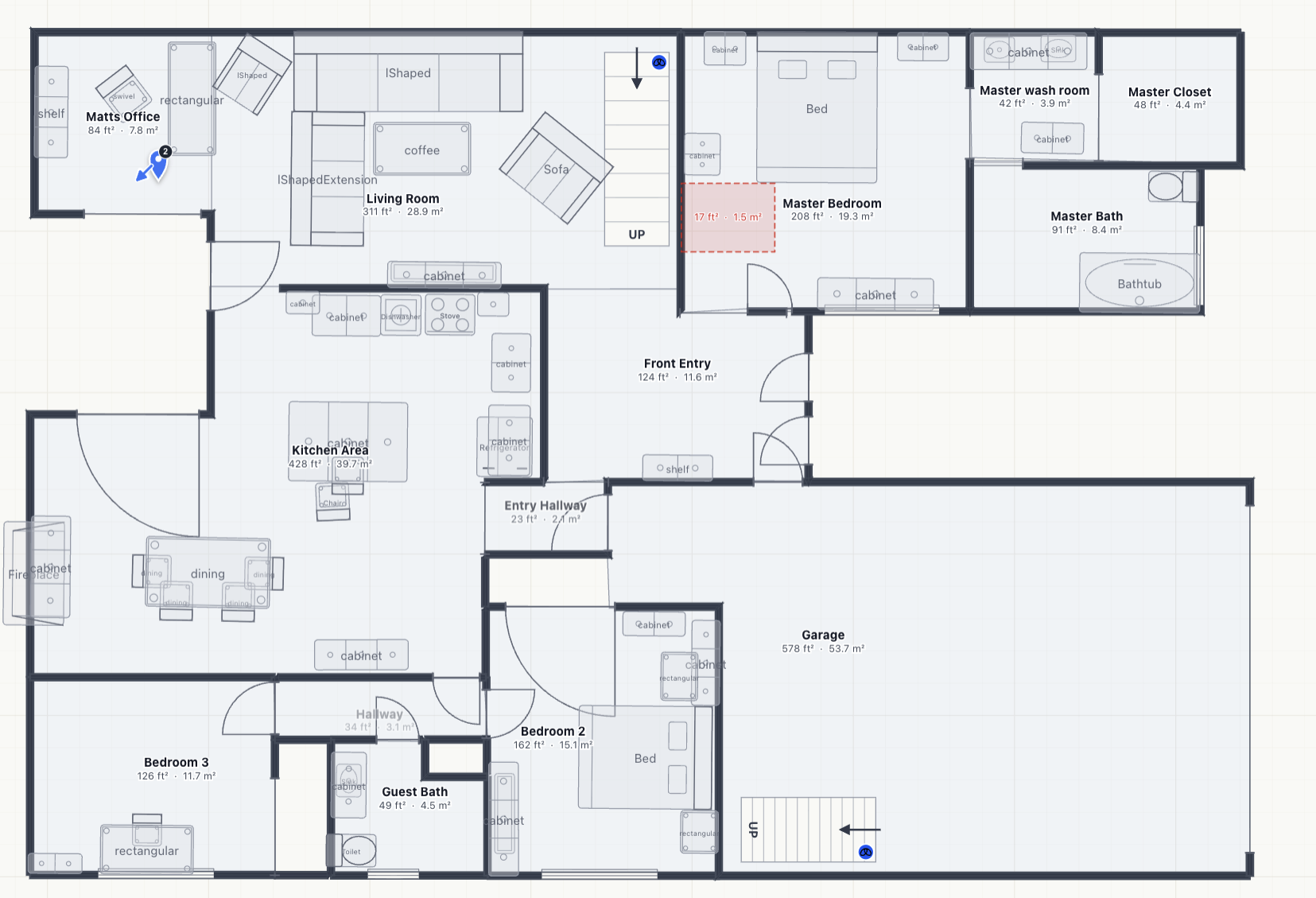
A building total alone is not enough to run the job.
Phasing is per floor. The crew finishes floor two before floor three, and the order for floor two ships first. A lump-sum building quantity cannot be staged.
Change orders are per floor. When the owner changes the wallpaper on the top floor only, you need to revise that floor’s quantity without re-deriving the entire building.
Billing is often per floor. Draw schedules, progress invoices, and trade payments frequently track to completed floors, not to a single building number.
If your takeoff collapses the building into one quantity, you lose all three. If it keeps the floors separate but never sums them, you are back to adding by hand. The point of stacking is that you never choose.
What SiteScope Does
SiteScope lets you scan or build each floor, stack them into a single building, and read the takeoff at either level. The building view shows the rolled-up totals across every floor. Expand it and you see each floor’s contribution, down to the individual wall and material. Change a wall on floor three and both the floor-three line and the building total update together.
You scan each level the same way you would scan a single room. The structure does the rest, so the multi-floor job is just as connected as the one-room one.
What to Pull Out of This
- A multi-floor estimate has to hold two numbers at once: the per-floor breakdown and the building total. Most workflows give you one and make you hand-derive the other.
- Stacking floors into a building keeps each floor’s takeoff intact while connecting them, so the building total is always the live sum of the floors.
- Per-floor detail is not optional. Phasing, change orders, and billing all run on it.
- A takeoff that recomputes both levels from the same geometry is what keeps a multi-story bid from drifting.
If your next job is more than one story, the floors should stack and the totals should roll up on their own. See how multi-floor takeoffs work on a real building.