
Hand your client a walkthrough of a space that does not exist yet.
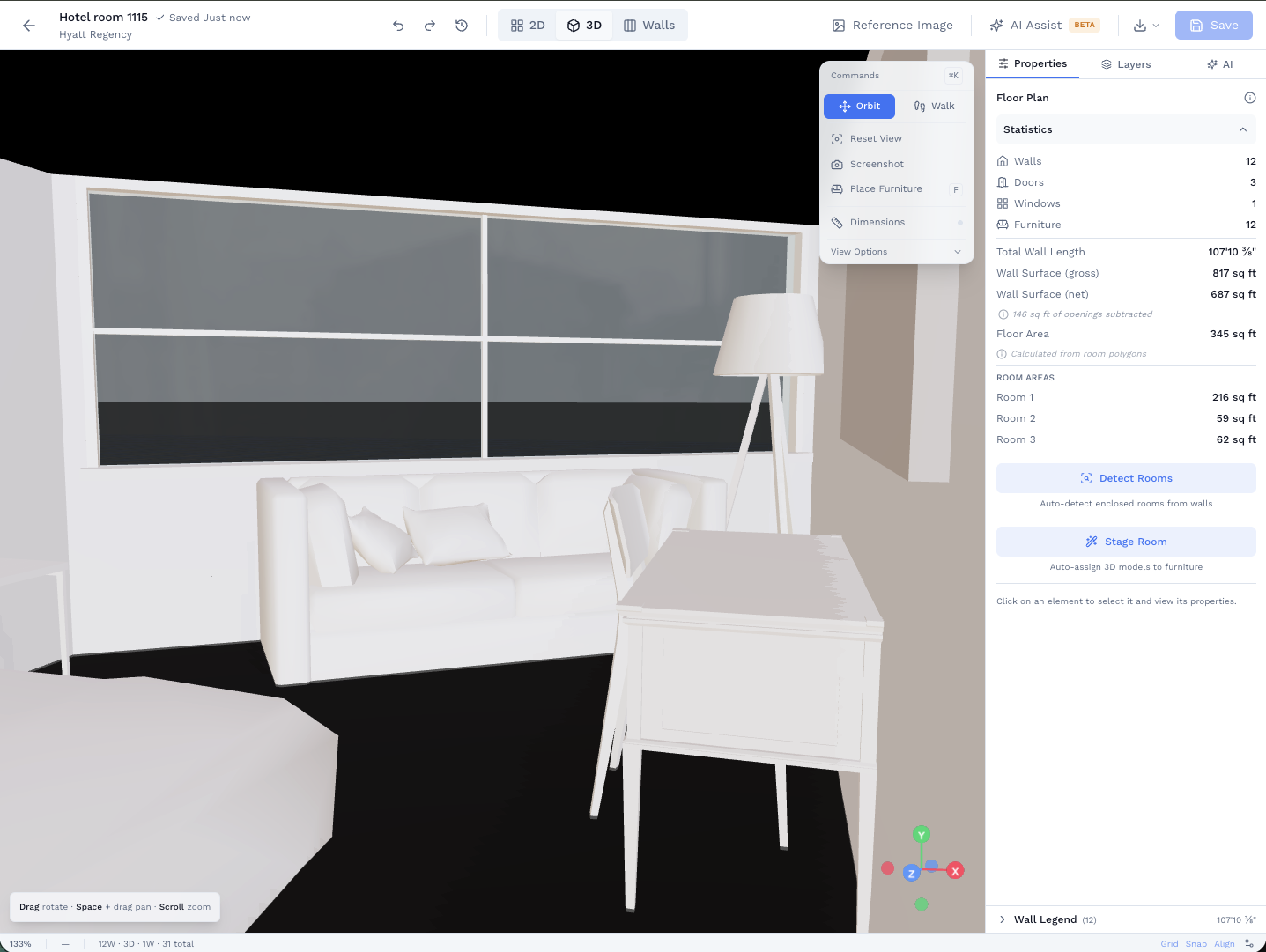
Photos describe a room. A 3D walkthrough makes someone feel like they are standing in it. Draw or scan the space, walk through it in your browser, and share a link your client can explore on any device.
Who uses this
Anyone who needs a client, buyer, or stakeholder to understand a space before it is finished.
Real estate agents
Give buyers a walkthrough of a listing before they visit. Or show what a renovation could look like. Stand out from listings with static photos.
Architects pitching clients
Take a schematic plan and walk the client through the proposed layout. Faster than a Revit model. More convincing than a sketch.
Stagers and interior designers
Place furniture, set a style, and show the client the staged version before you move a single piece. Sell the vision, then execute it.
From floor plan to first-person view in one click.
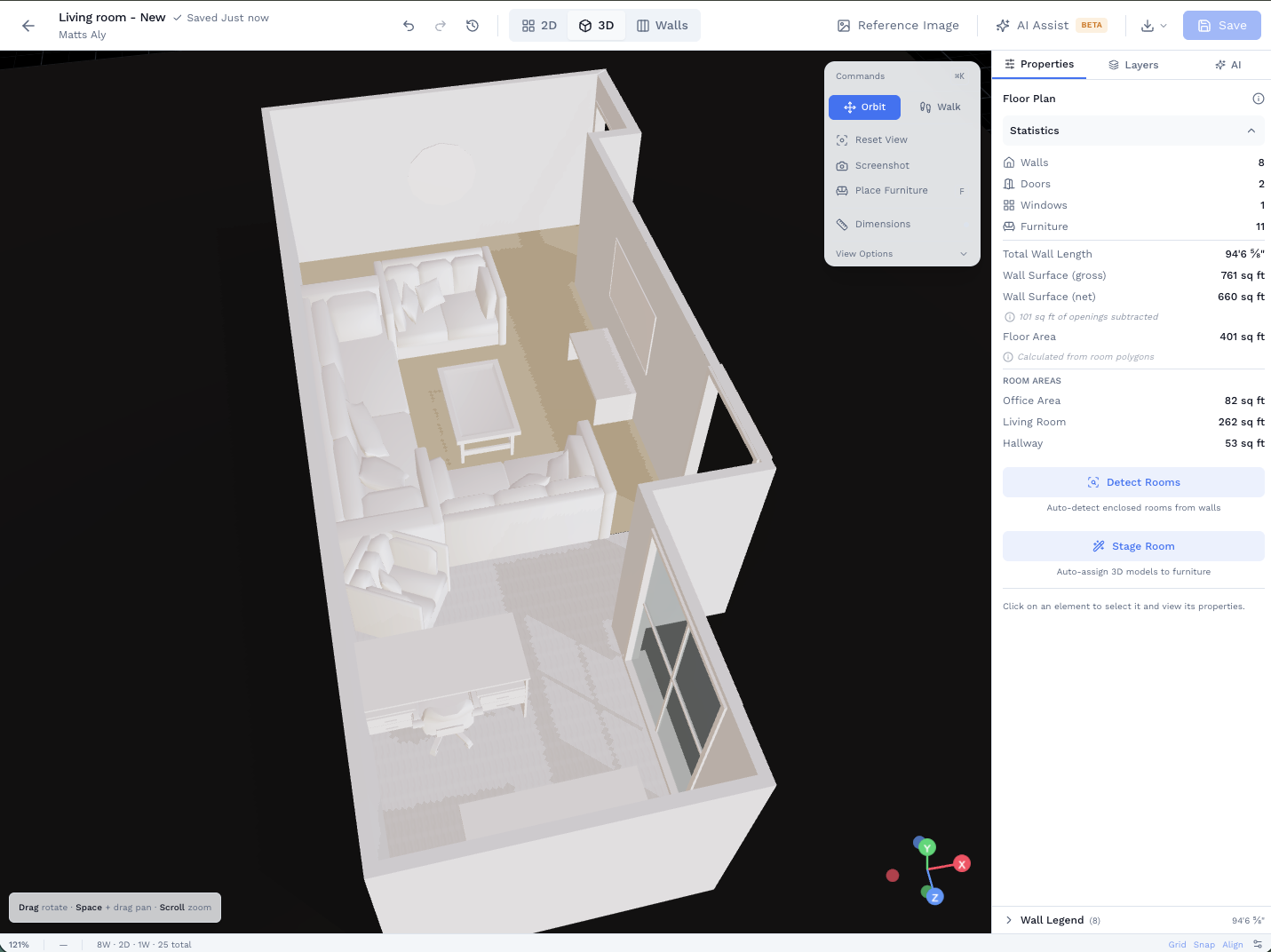
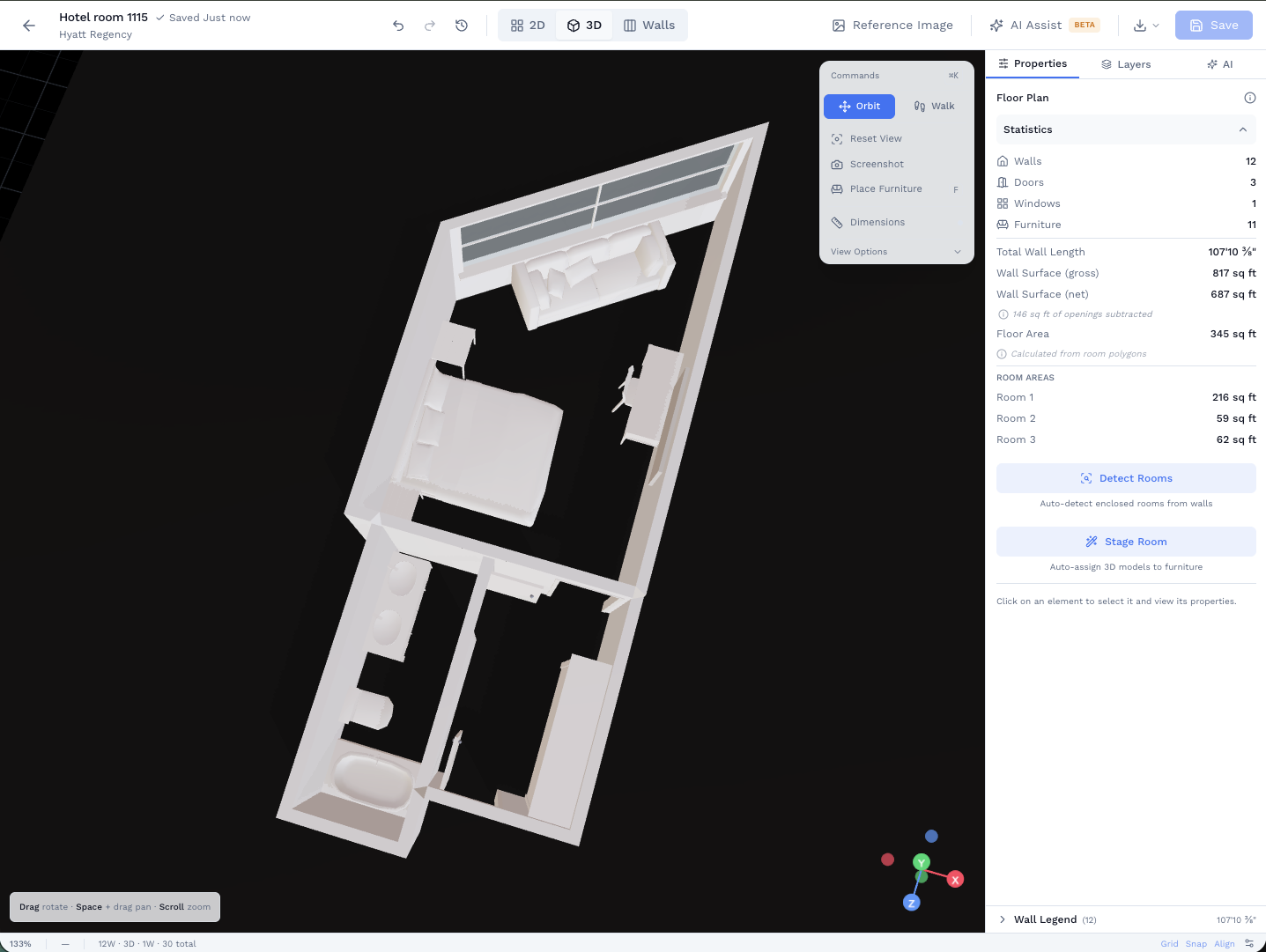
Draw or import the floor plan. Click the 3D button. Walk through doorways, look around rooms, and get a real sense of the space. Then place furniture from the catalog and take a screenshot to share.
- First-person walkthrough with realistic lighting
- Walk through doorways, around walls, into rooms
- Drag furniture from the catalog into the scene
- Works on any device, any browser
Send a link. No app, no account, no friction.
Generate a share link and send it to your client. They open it in any browser and explore the plan and 3D view without downloading anything or creating an account. Add a password or expiration date if the project is sensitive.
- View-only links your client can explore anytime
- Optional password and expiration date for confidential projects
- Works on phone, tablet, and desktop
The full toolkit
First-person 3D walkthrough
Walk through any plan. Realistic lighting, door-aware movement, eye-level perspective.
Furniture placement in 3D
Drag pieces from a catalog into the scene. Resize, rotate, and reposition until it reads right.
Share links (no login required)
Send a URL. Your client or buyer views the plan and walkthrough in any browser.
2D floor plan editor
Trace, draw, or import. Every plan is editable before it goes to 3D.
AI floor plan generation
Skip the blank page. Describe the space and get a starting plan to refine.
GLB export
Export a 3D model for rendering or further work in other tools.
And when it is time to build, the quantities are already there.
The same floor plan that impresses your client also powers a per-wall material takeoff for paint, wallpaper, and trim. Nothing to redo. The takeoff tab is right next to the 3D view.
See how takeoffs workRelated use cases
See how other professionals use SiteScope
Designers
AI floor plans, 3D walkthroughs, and material specs in one workflow
AI Floor Plans
Generate and edit floor plans with AI assistance
Interior Design
Space planning and client documentation for interior designers
3D Room Scanning
Capture real rooms in 3D and turn them into editable floor plans
Ready to Get Started?
Join professionals who are already mapping and measuring their sites with SiteScope.