
Scan Rooms in 3D, Generate Floor Plans Instantly
Use your iPhone or iPad Pro's LiDAR sensor to capture detailed 3D room models and automatically generate accurate 2D floor plans with dimensions. No tape measure required.
* 3D scanning requires iPhone 12 Pro or later, or iPad Pro (2020 or later) with LiDAR sensor
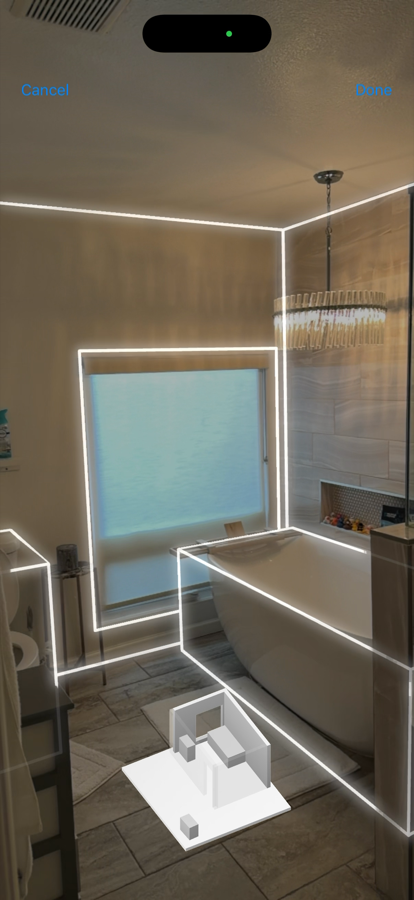
▶ Tap to watch a live scan
How 3D Room Scanning Works
Three simple steps to go from physical room to digital floor plan
Scan the Room
Walk around the room with your iPhone or iPad Pro. The LiDAR sensor captures millions of depth points to create an accurate 3D model.
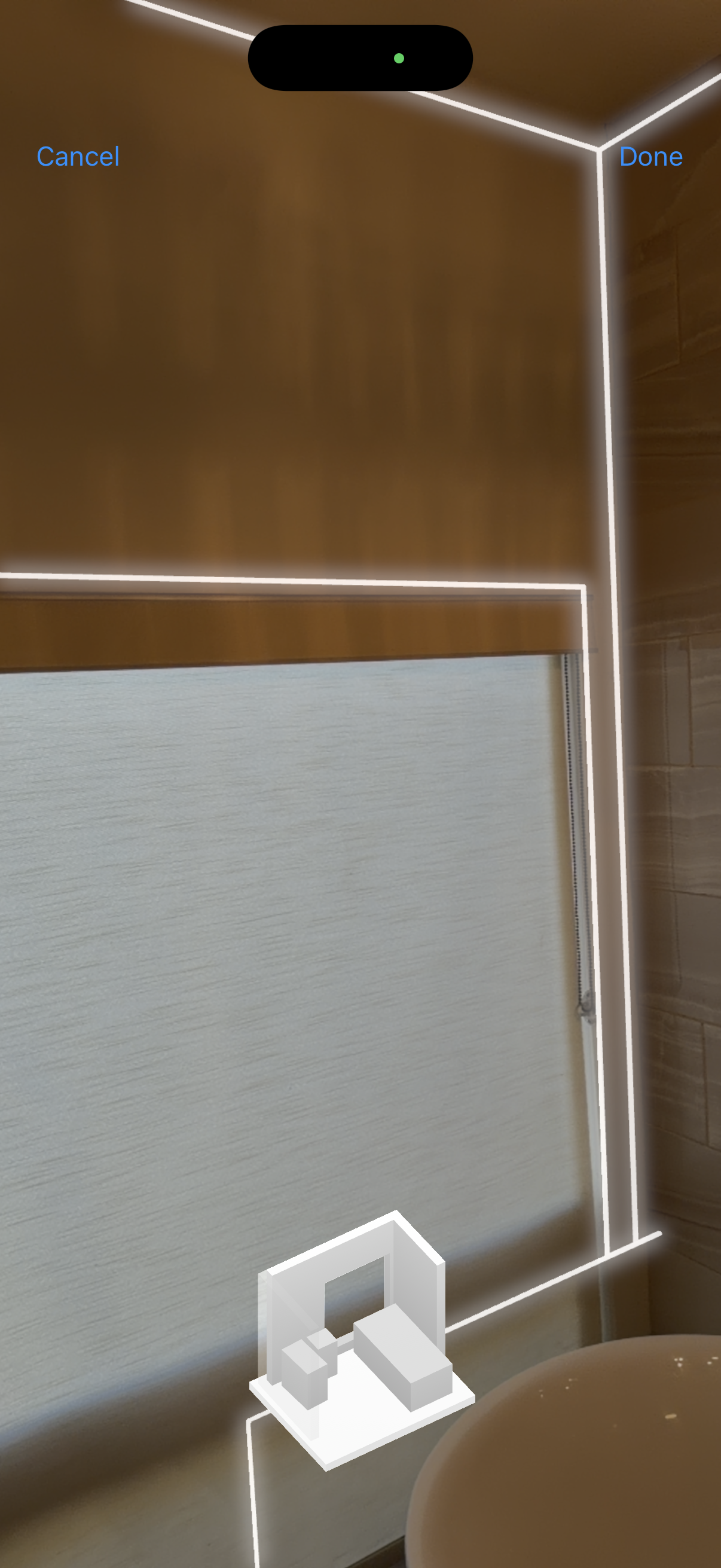
View 3D Model
Explore your room in full 3D. Rotate, zoom, and inspect every detail. Measurements are captured automatically.
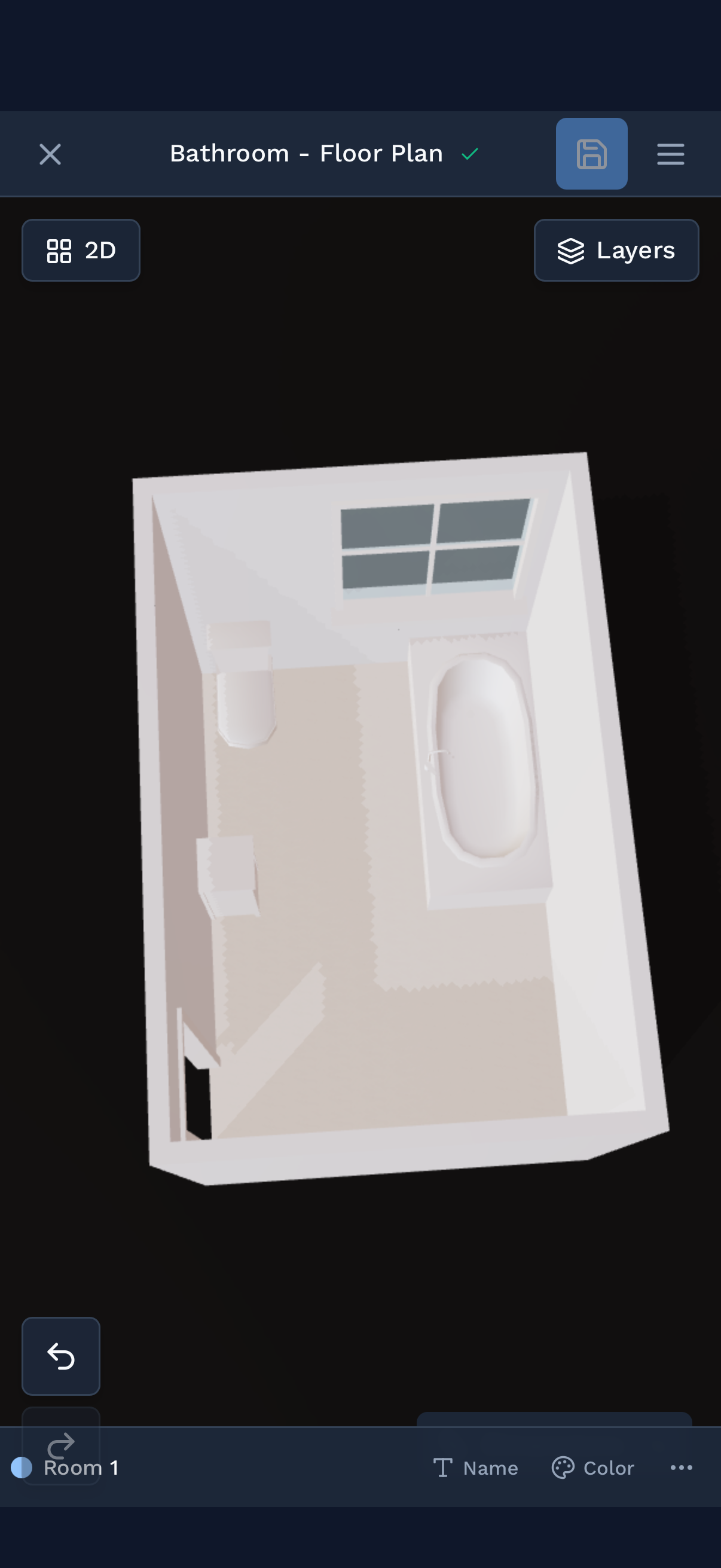
Model, Quantify & Export
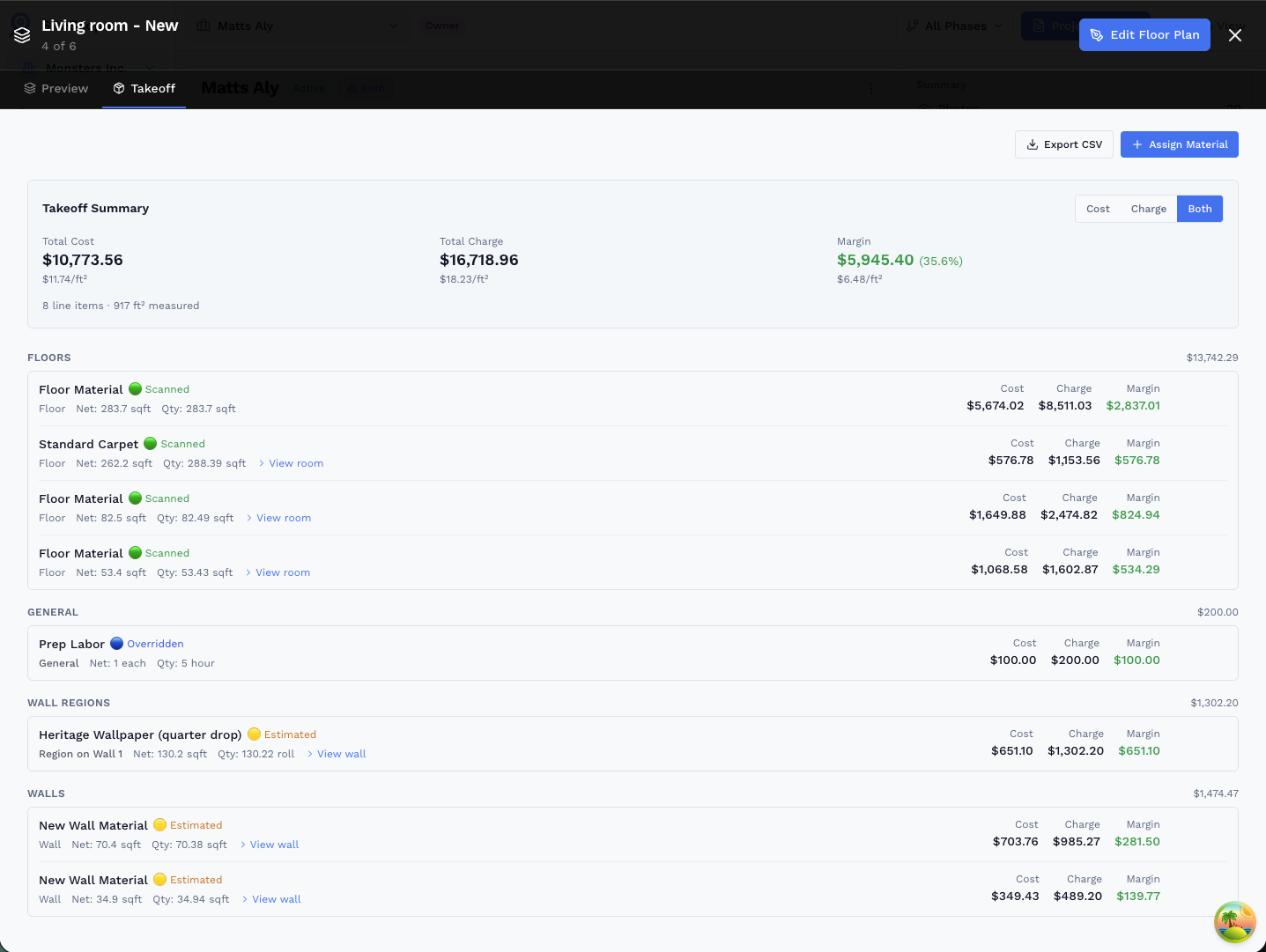
Auto-generate a 2D floor plan, refine walls in the web editor, then assign materials and generate material takeoffs straight from the geometry. Export to PDF, DXF, GLB, or CSV.
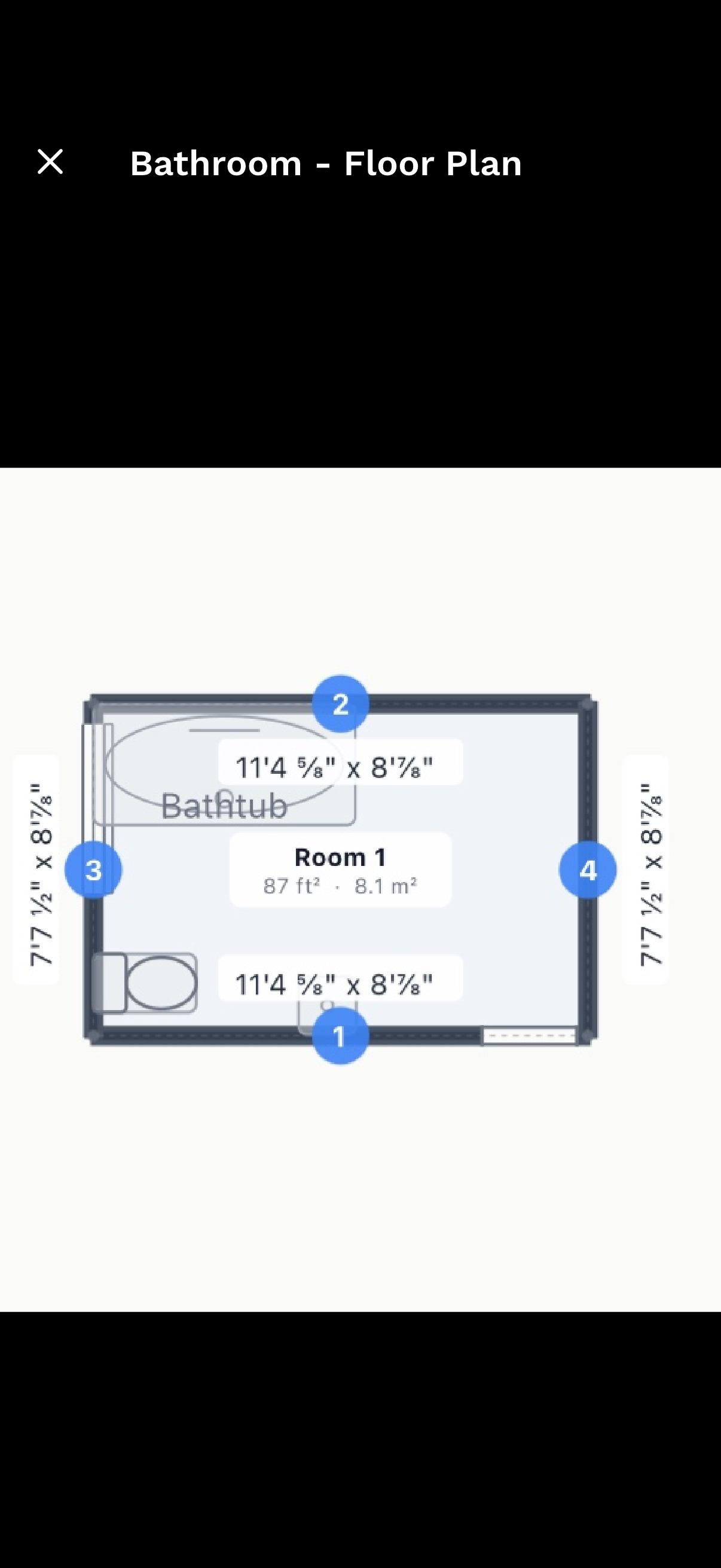
Why Professionals Choose 3D Scanning
Accuracy Within 1%
LiDAR technology delivers professional-grade measurements. No more costly errors from manual measuring.
Scan in Minutes
Capture an entire room in 2-5 minutes. What used to take hours now fits between appointments.
Editable Floor Plans
Auto-generate dimensioned floor plans, then refine in the web editor. Modify walls, use AI edits, and export to PDF, DXF, or GLB.
No Extra Equipment
Your iPhone or iPad Pro is all you need. No tripods, laser scanners, or expensive equipment to carry around.
Perfect for Every Interior Project
From quick measurements to complete room documentation
Device Requirements
3D room scanning uses Apple's LiDAR technology, available on Pro model iPhones and iPad Pro models from 2020 onward.
Compatible Devices:
- iPhone 12 Pro / Pro Max
- iPhone 13 Pro / Pro Max
- iPhone 14 Pro / Pro Max
- iPhone 15 Pro / Pro Max
- iPhone 16 Pro / Pro Max
- iPhone 17 Pro / Pro Max
- iPad Pro 11-inch (2nd gen, 2020 or later)
- iPad Pro 12.9-inch (4th gen, 2020 or later)
Don't have a LiDAR device? You can still use all other SiteScope features including photo documentation, AR measurements, and satellite mapping.
The Scan Is Just the Beginning.
Every LiDAR scan you do feeds directly into your floor plan, and your floor plan feeds directly into your material quantities.
- Scan → Plan → Walls → Takeoff: one continuous workflow. The geometry you captured on-site becomes the input for every quantity calculation downstream.
- Scanned walls carry the highest confidence: LiDAR-measured dimensions are flagged Scanned (green) in the Takeoff tab so you know exactly how much of your estimate is based on real geometry.
- Region-level detail: break any wall into zones (wainscot, tile, paint) and get per-material quantities, all from the same drawing.
- Export takeoff quantities to CSV to drop straight into your estimating or bid workflow.
Ready to Get Started?
Join professionals who are already mapping and measuring their sites with SiteScope.