
Stop Measuring Rooms by Hand
Scan any room with your phone's LiDAR. Get an editable floor plan with dimensions, a 3D walkthrough, and material takeoffs, all in minutes, not hours.
Minutes, Not Hours
Time to generate a floor plan from scan
Export to 4 Formats
DXF, GLB, PDF, PNG
No Return Trips
Get every dimension on the first visit
Capture Every Room on the First Visit
No more return trips for missed measurements. LiDAR captures walls, doors, windows, and dimensions automatically.
- Scan in under 60 seconds
- Automatic wall detection
- Accurate to within inches
From Scan to Floor Plan, Automatically
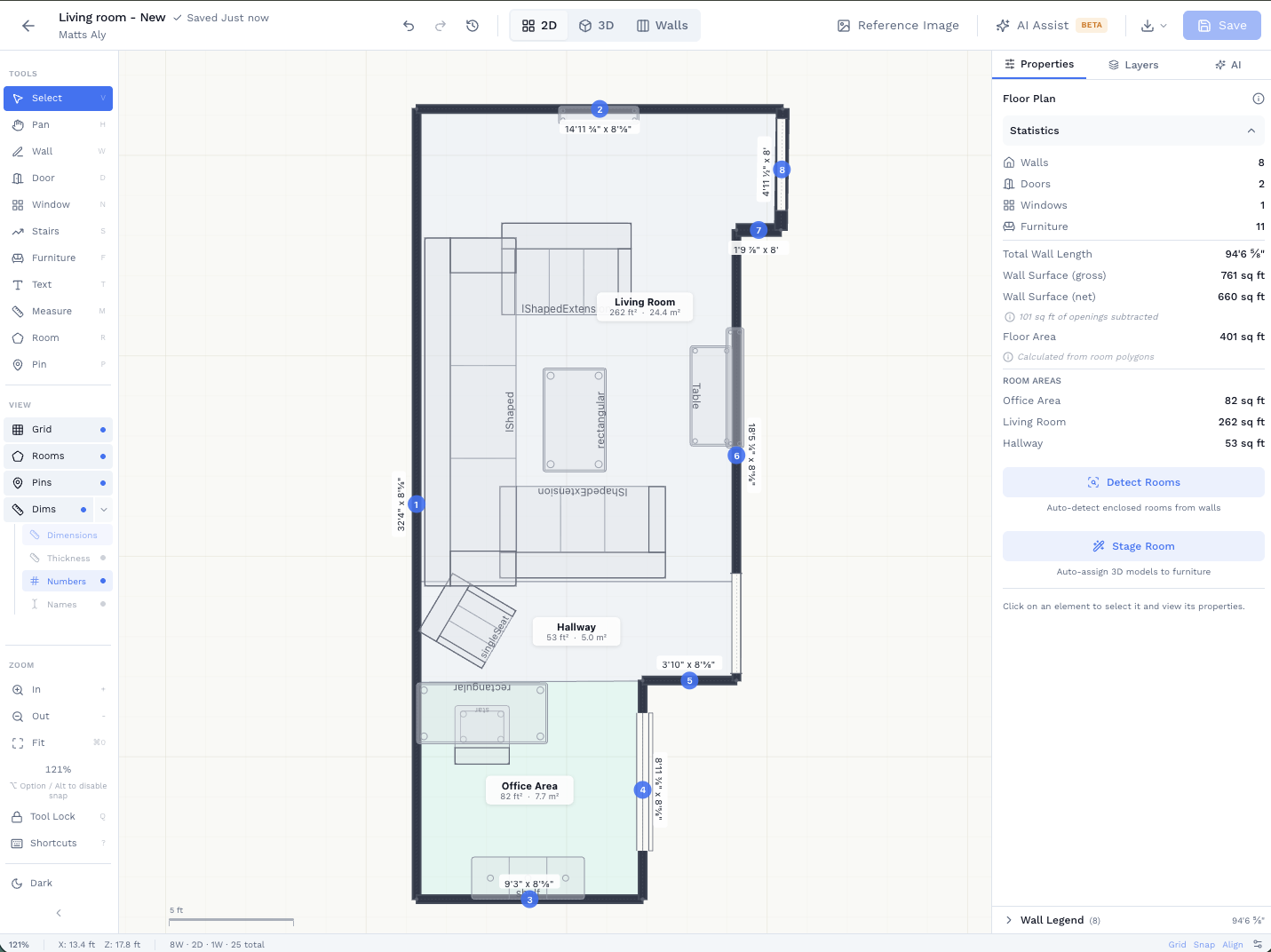
AI converts your 3D scan into an editable floor plan. Add furniture, adjust walls, and label rooms, then export to AutoCAD.
- AI-generated floor plans from scans or text
- Edit walls, doors, windows, and furniture
- Export DXF for AutoCAD, GLB for 3D visualization
2D Plan
3D View
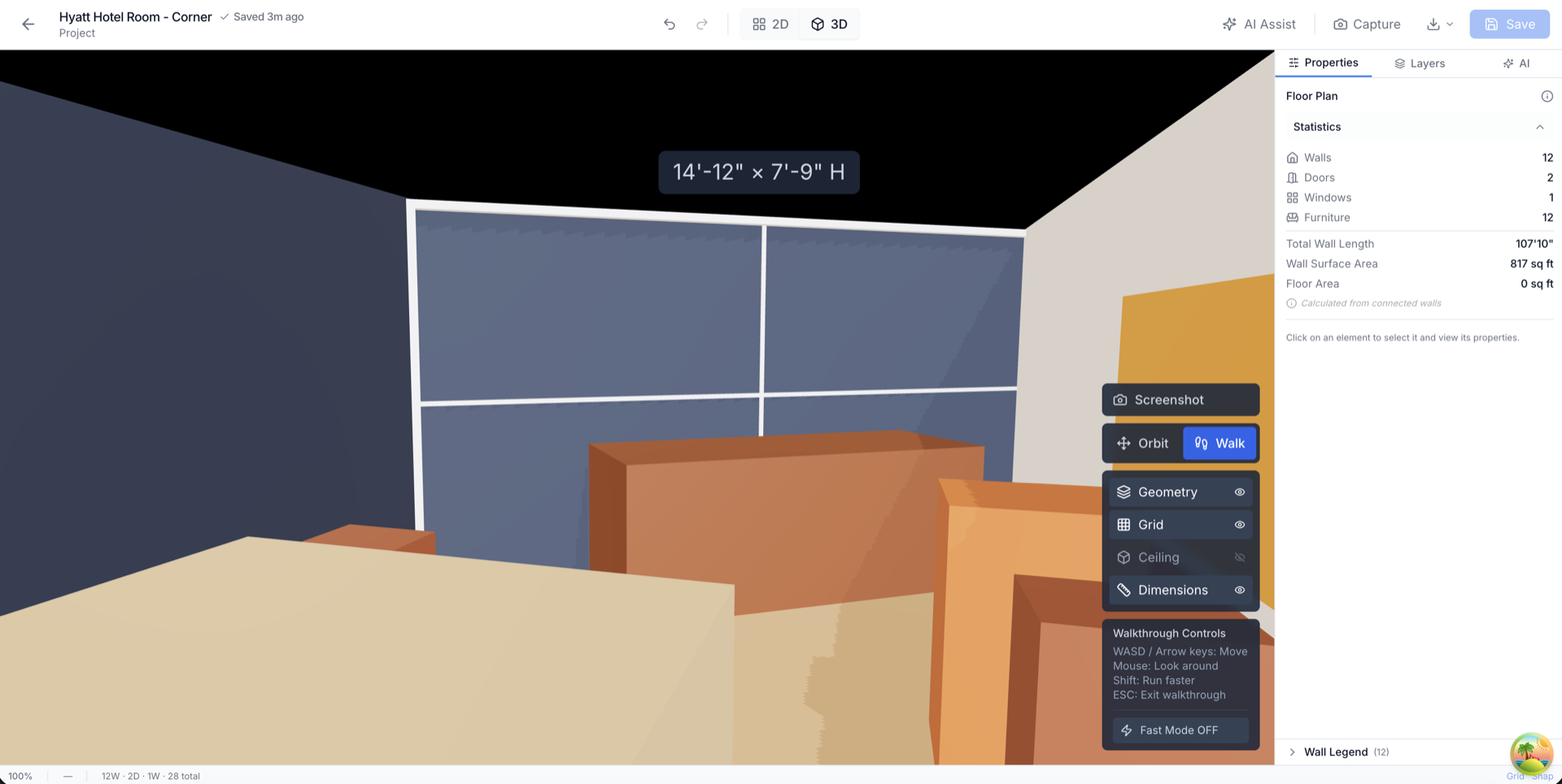
Walk Through the Space Before You Build
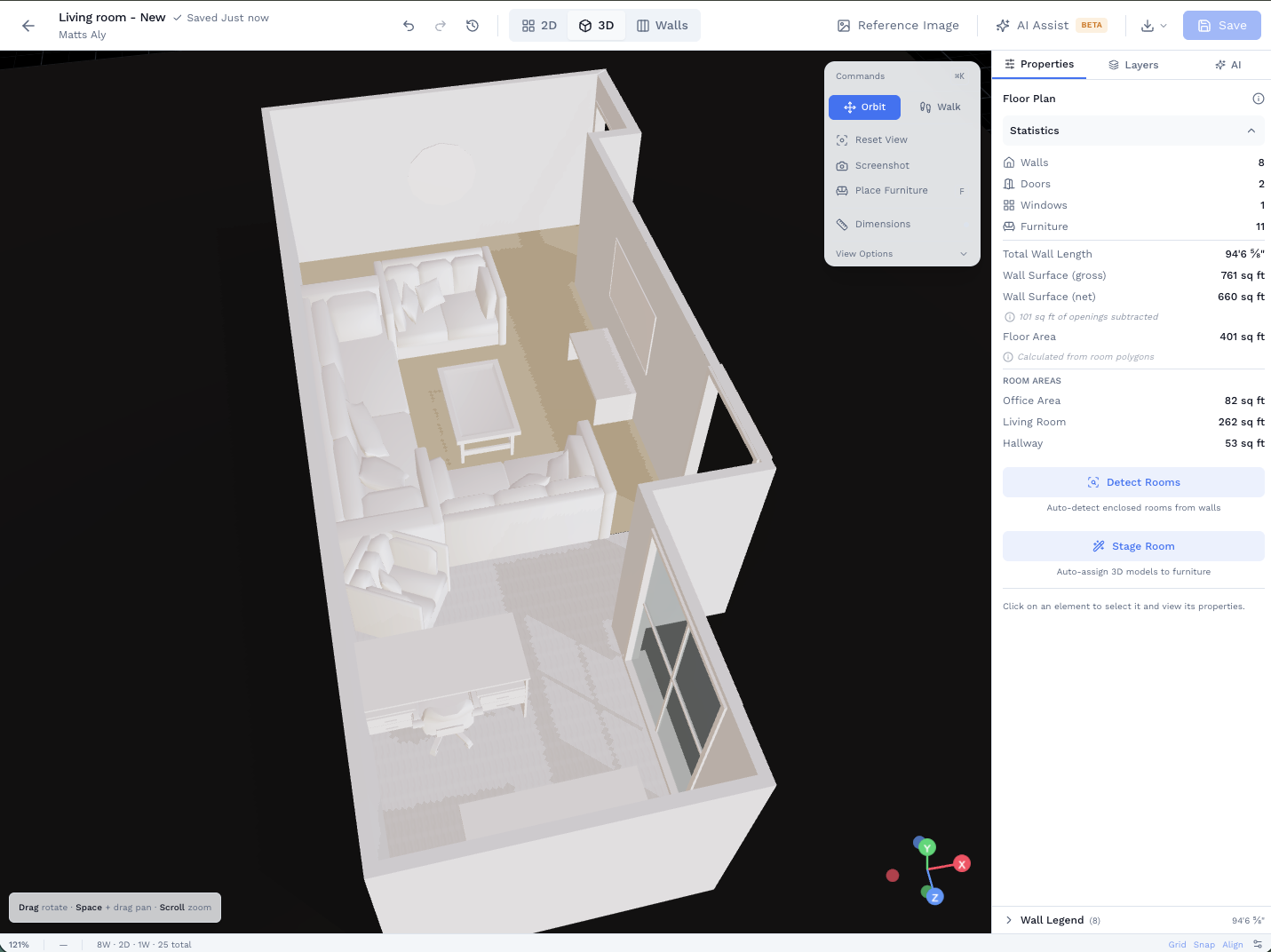
Show clients exactly what the finished space will look like. First-person 3D walkthrough of any floor plan.
- First-person navigation through floor plans
- Orbit view for overhead presentations
- Share a link so clients can view in any browser
See the Full Workflow
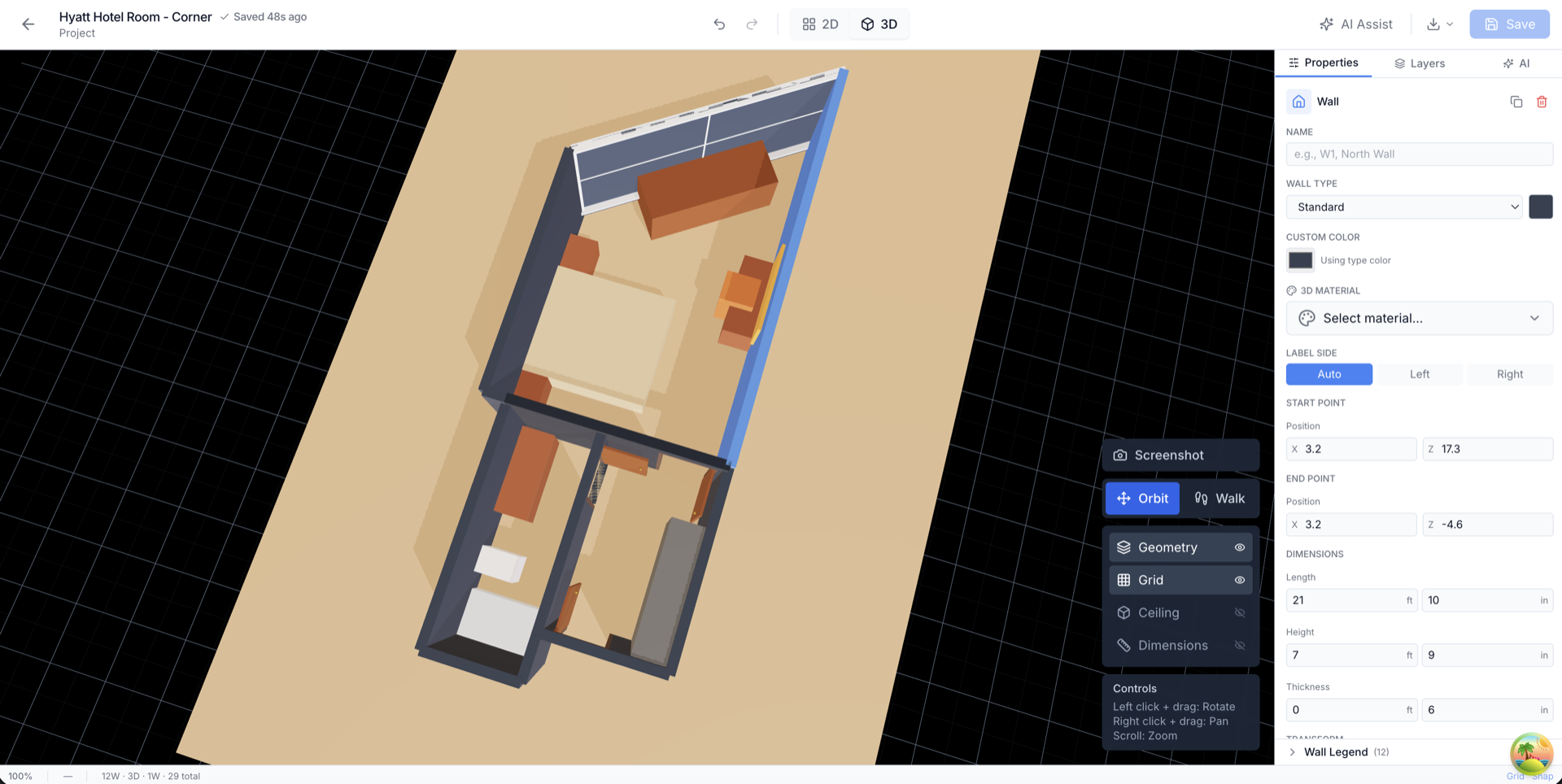
Watch the full workflow. Scan a room on your phone, then view and edit the floor plan on the web.
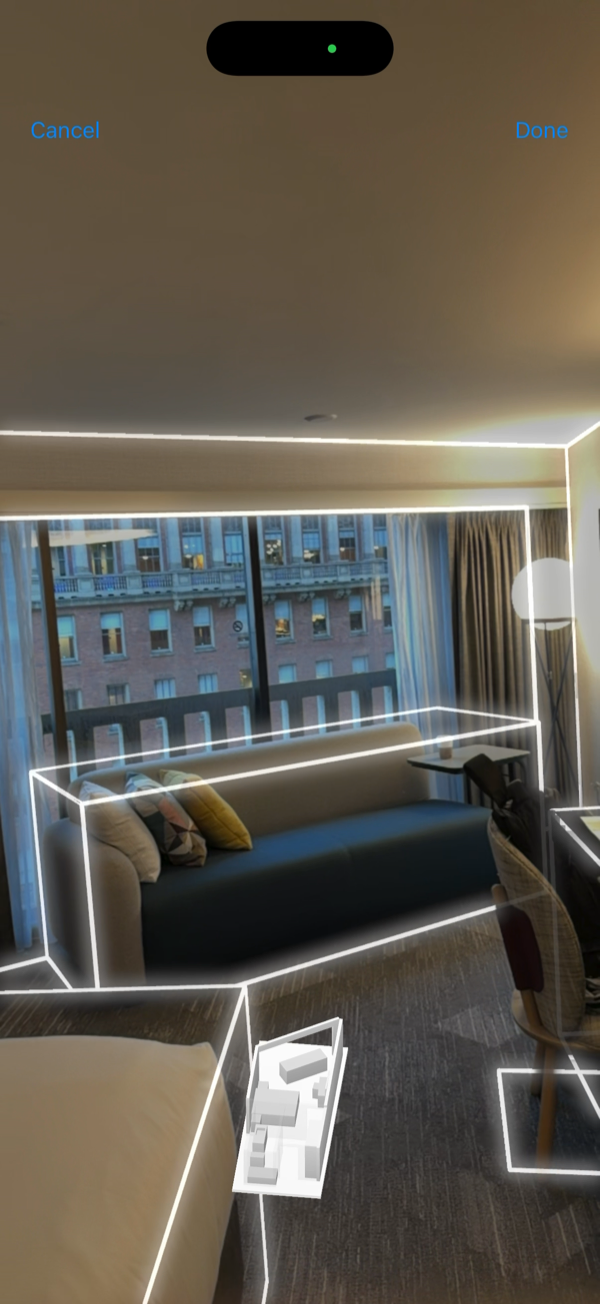
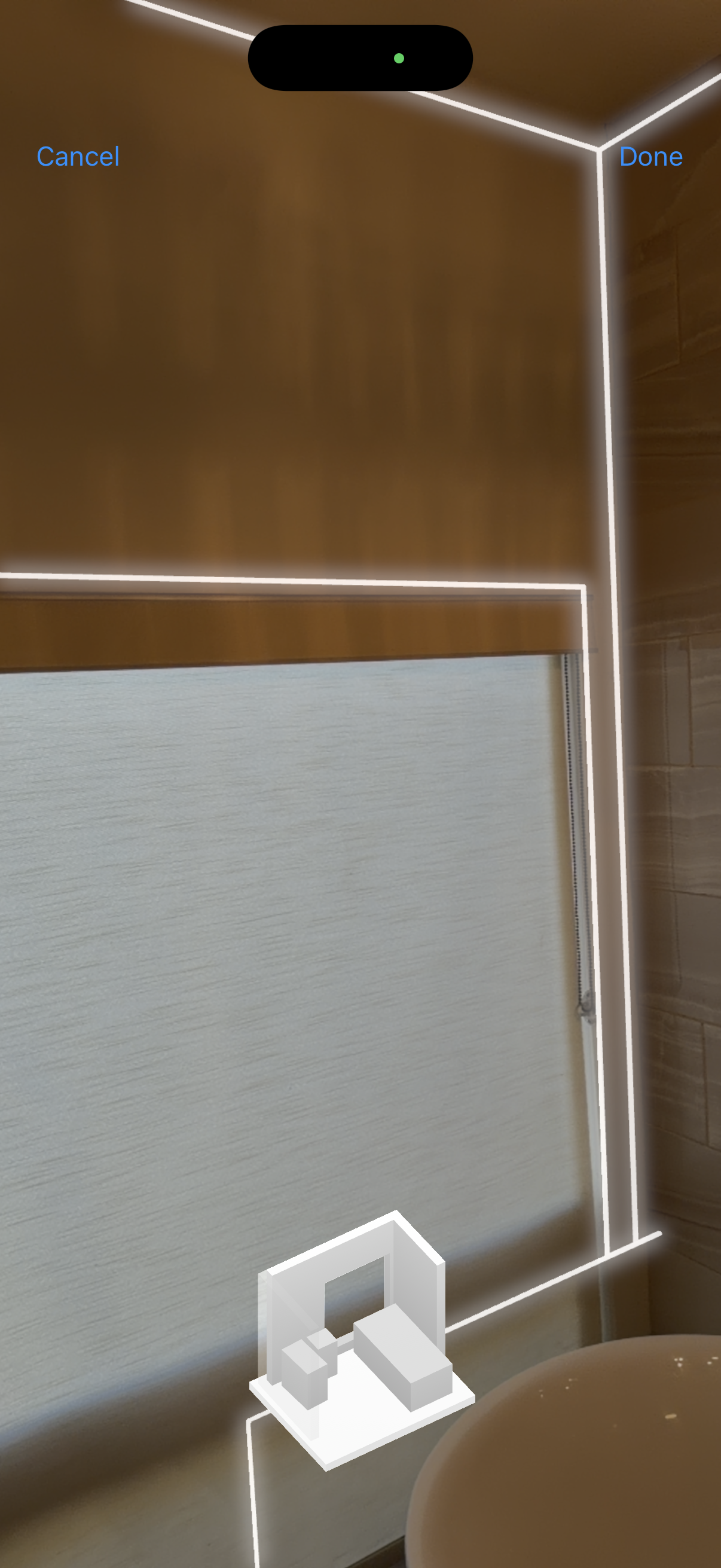
3D Room Scan
Use your iPhone or iPad Pro's LiDAR to capture any room in seconds.
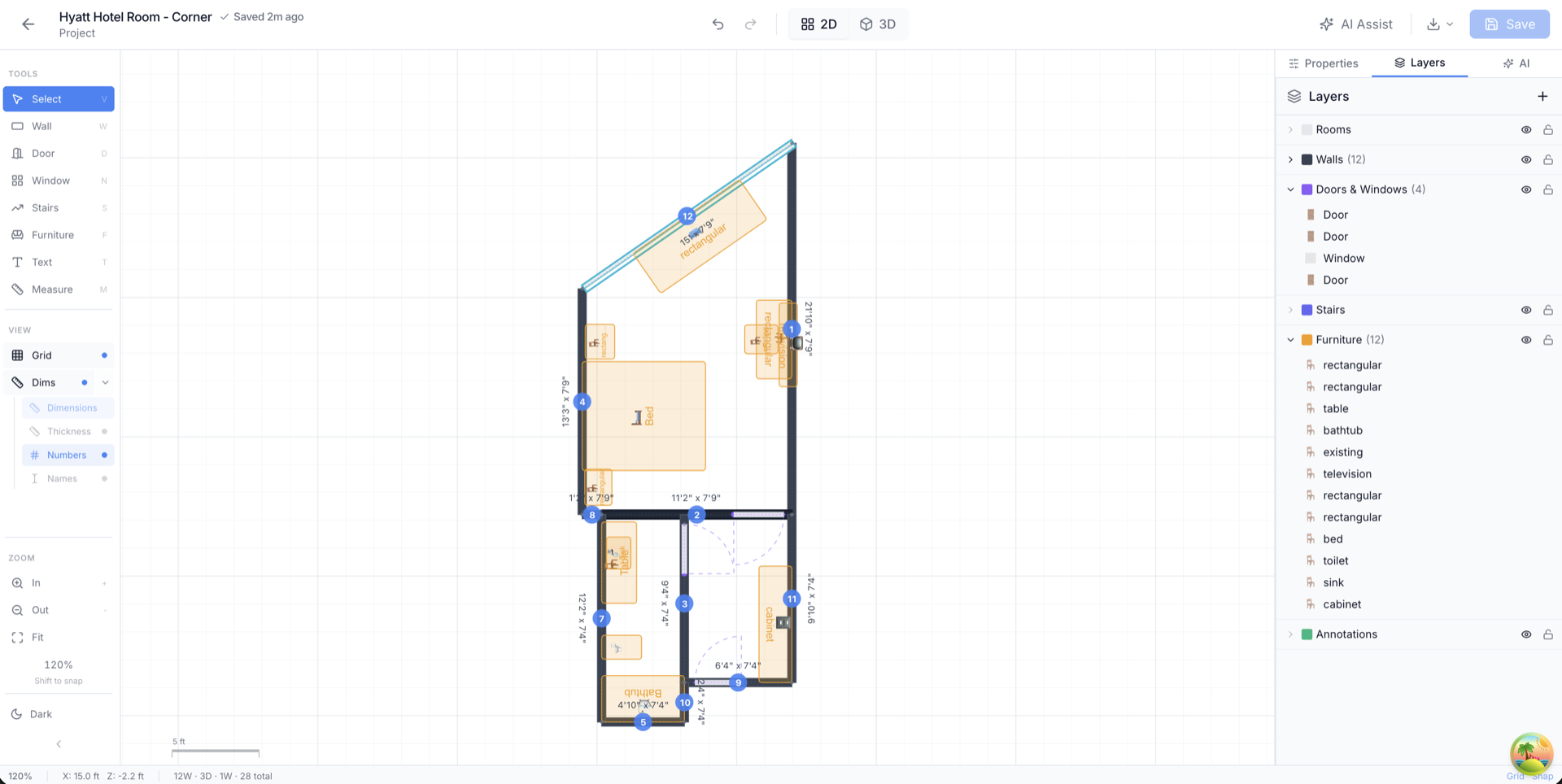
2D Floor Plan Editor
Full editing control with walls, doors, windows, and furniture. Add dimensions, labels, and export to CAD formats.
Walk a room once. Come back with everything.
A scan, annotated photos, a measured floor plan, a 3D model with linked site notes, and a PDF report your contractor can bid from.
Scan the room
LiDAR captures every wall, door, and window. The floor plan starts building on your screen in real time.
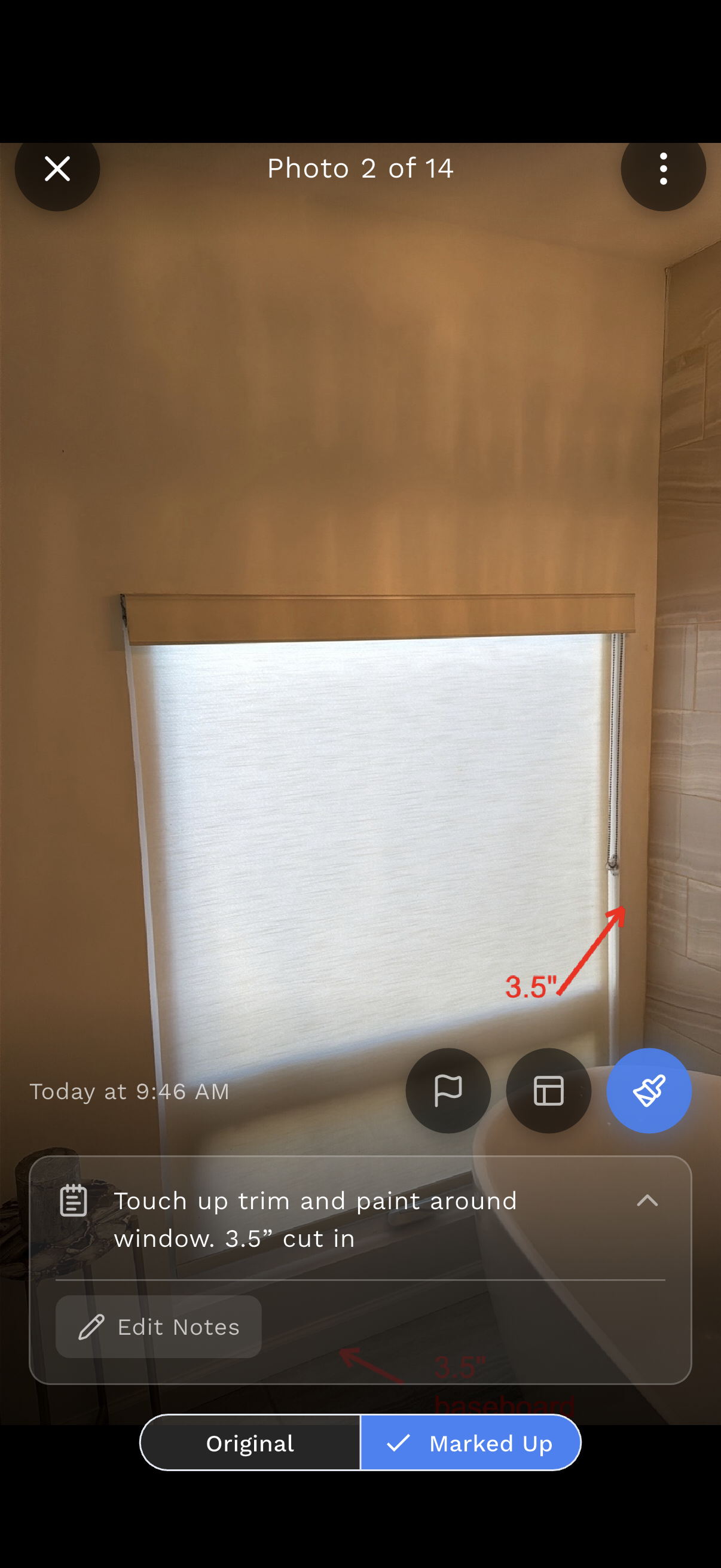
Photograph what matters
Take photos of every condition, material, or detail. Organized by project automatically.
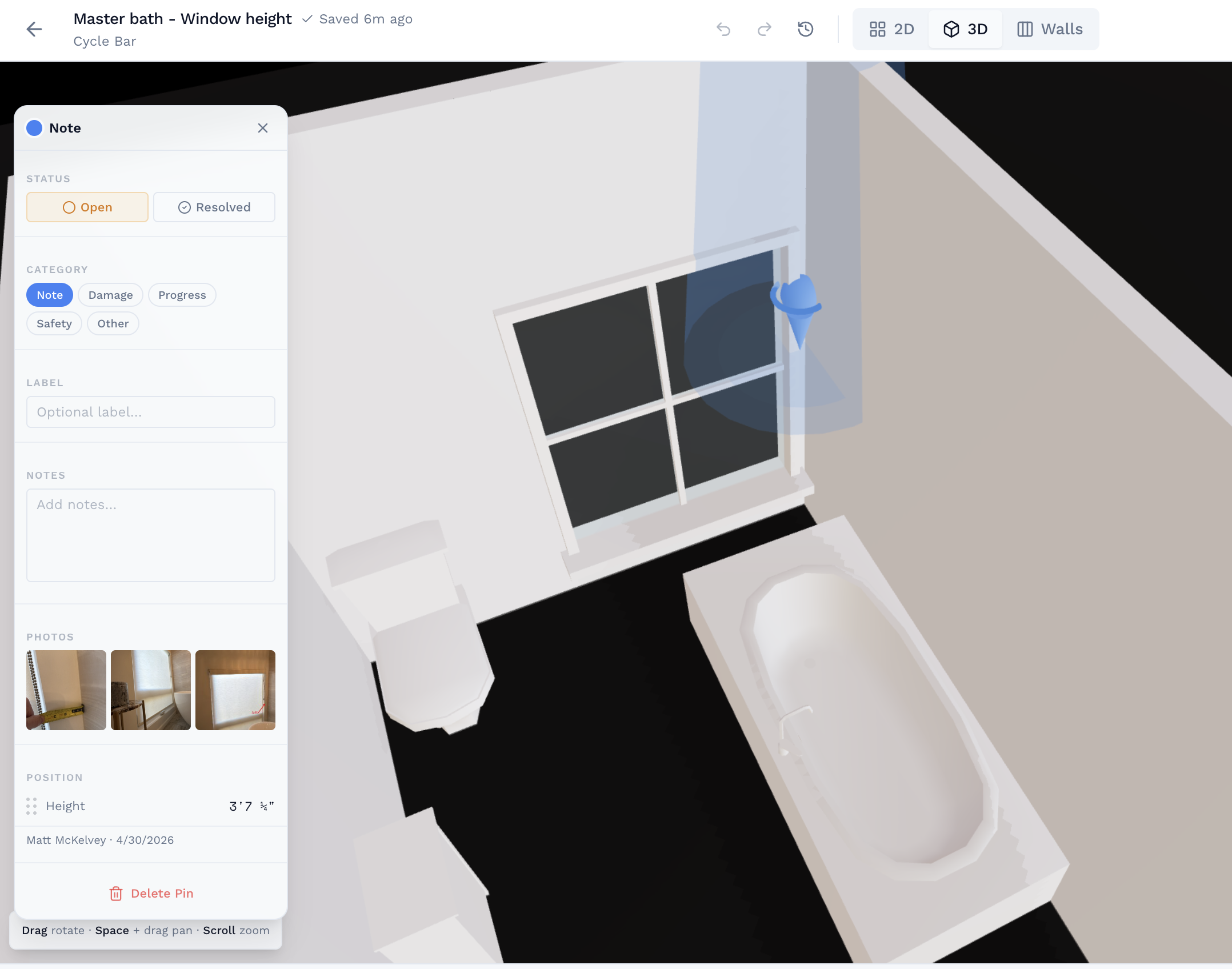
Drop a pin. Link the evidence.
Place a note pin in the 3D model. Attach the photos. Set status. Your whole team sees the same context.
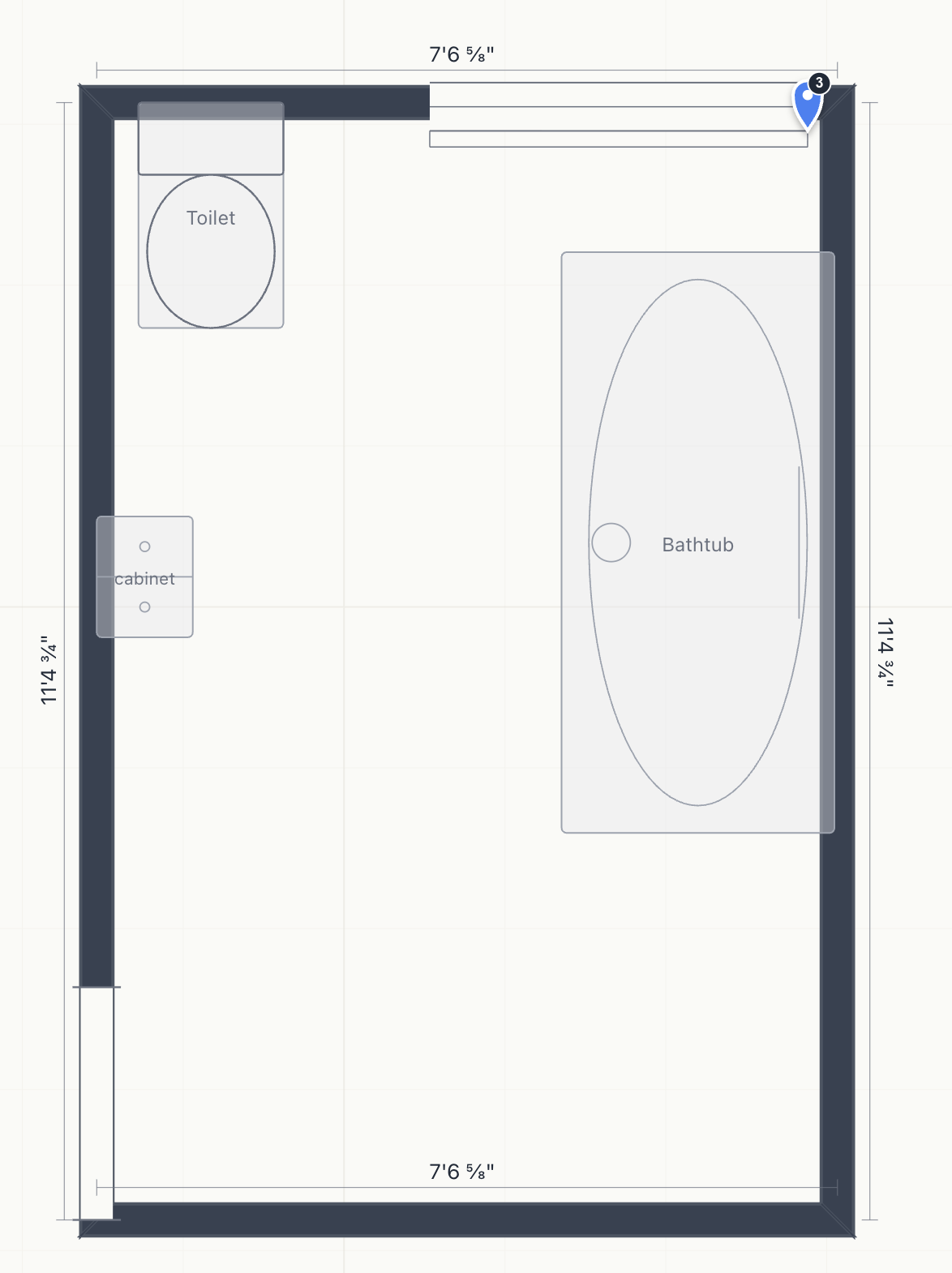
Get a measured floor plan
Real dimensions from the scan. Feet and inches, to the fraction. Ready to edit in the browser.
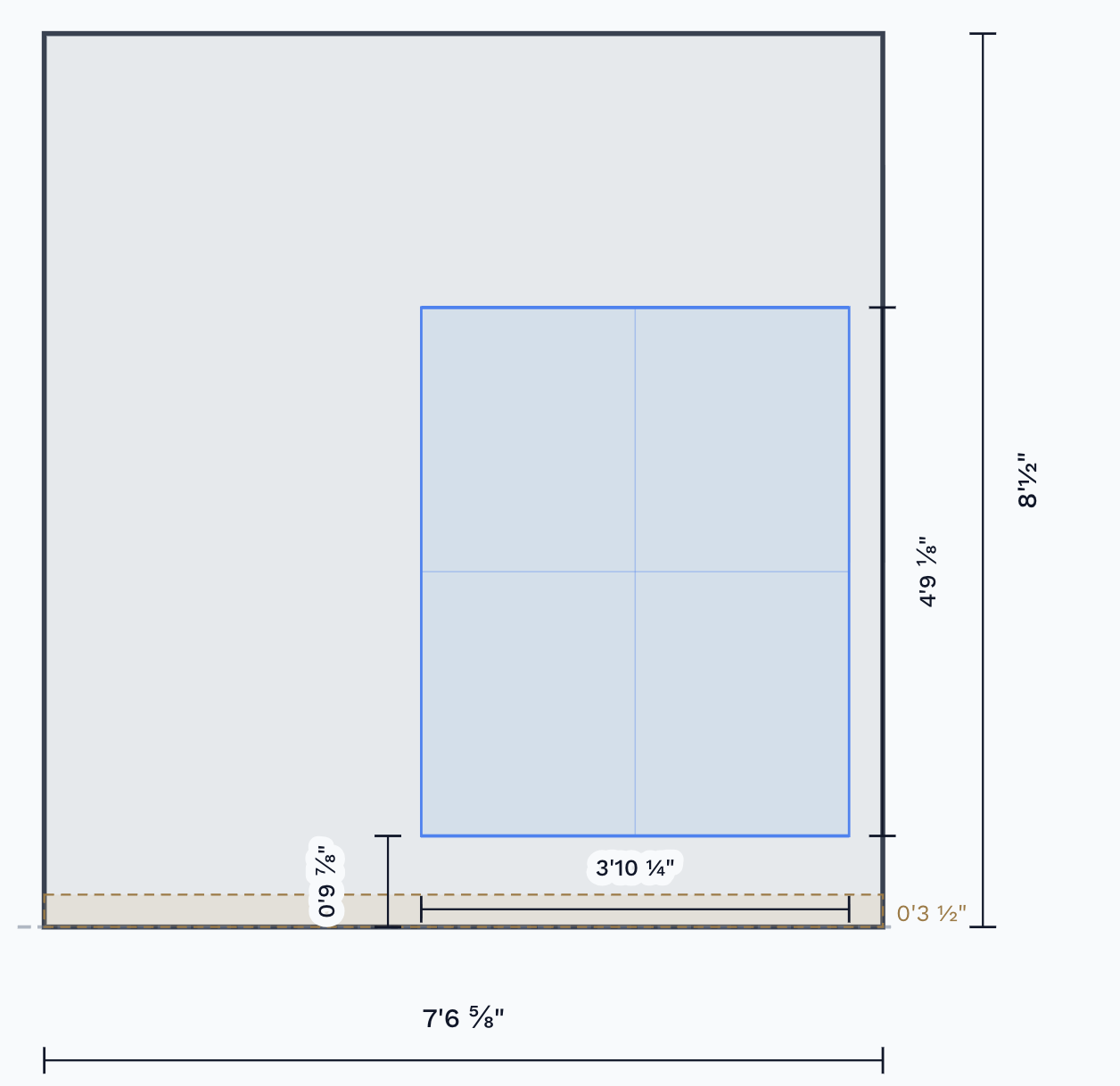
Open any wall
Wall elevation view shows every opening, baseboard height, and region. Assign materials or add contractor notes.
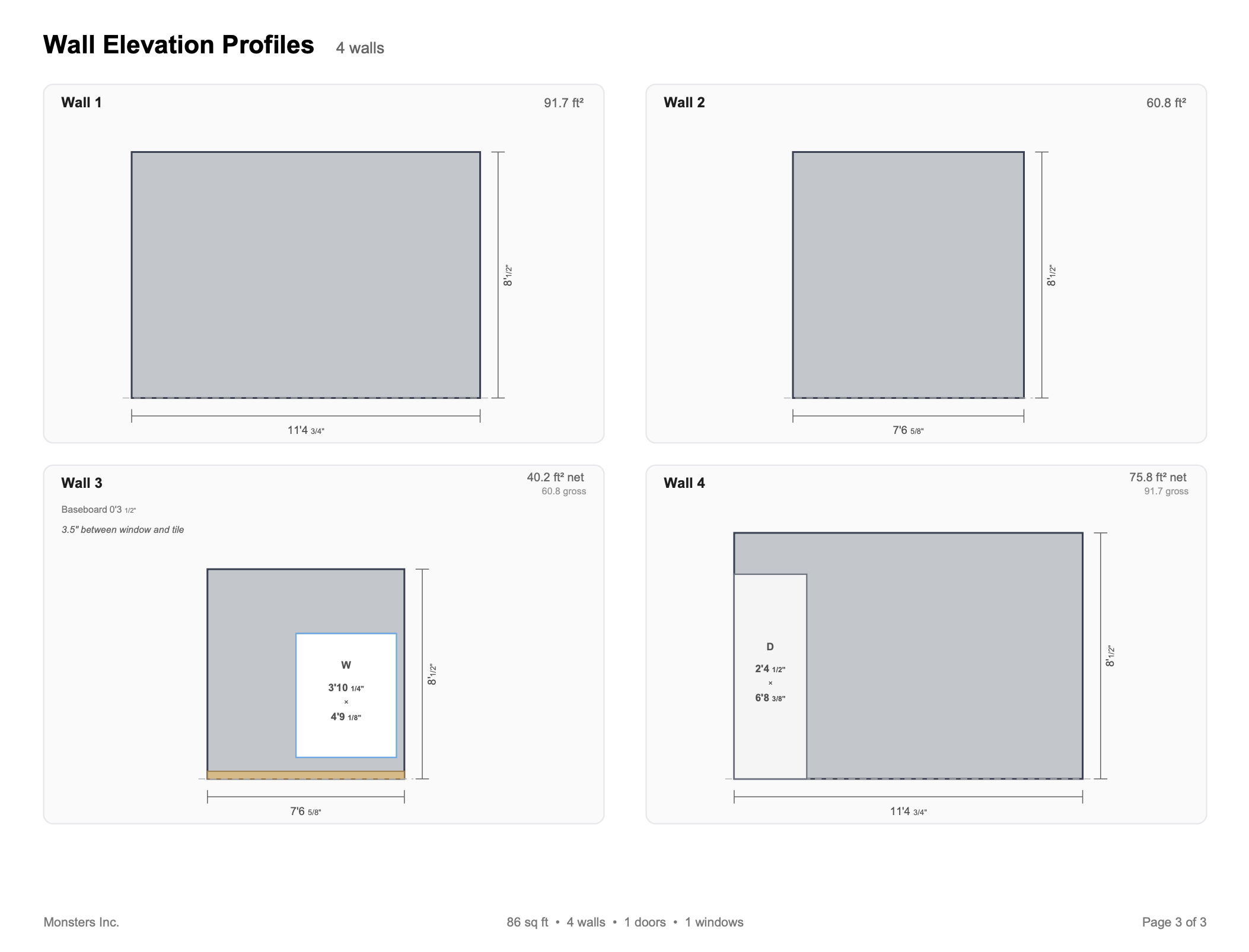
Publish the report
PDF with wall profiles, net and gross area, dimensions, and your notes. Ready to hand to a contractor.
No return trip needed.
Start for FreeThree Ways to Get Started
LiDAR gives you the fastest scan, but it's not required. Pick the path that works for you.
Scan with LiDAR
Use your iPhone's LiDAR (iPhone 12 Pro or later) or iPad Pro's LiDAR (2020 or later), or invite a team member with a compatible device to scan for you. You get the floor plan instantly.
Trace from a Blueprint
Import any floor plan image as a reference layer and trace walls right on top. Works with blueprints, hand sketches, PDFs, or photos of existing plans.
Use AI Floor Plans Instead
No scanning needed at all. Describe the room in text and AI generates a complete, editable floor plan with walls, doors, and dimensions.
Bring Your Own Blueprint
Already have a floor plan? Import any image as a reference layer and trace your walls right on top. Doors, windows, and rooms snap into place as you draw.
As you trace, a live 3D model builds in the background. Switch to 3D the moment you finish a room.
See All Ways to StartFrom Documentation to Takeoff, Same App, One Workflow
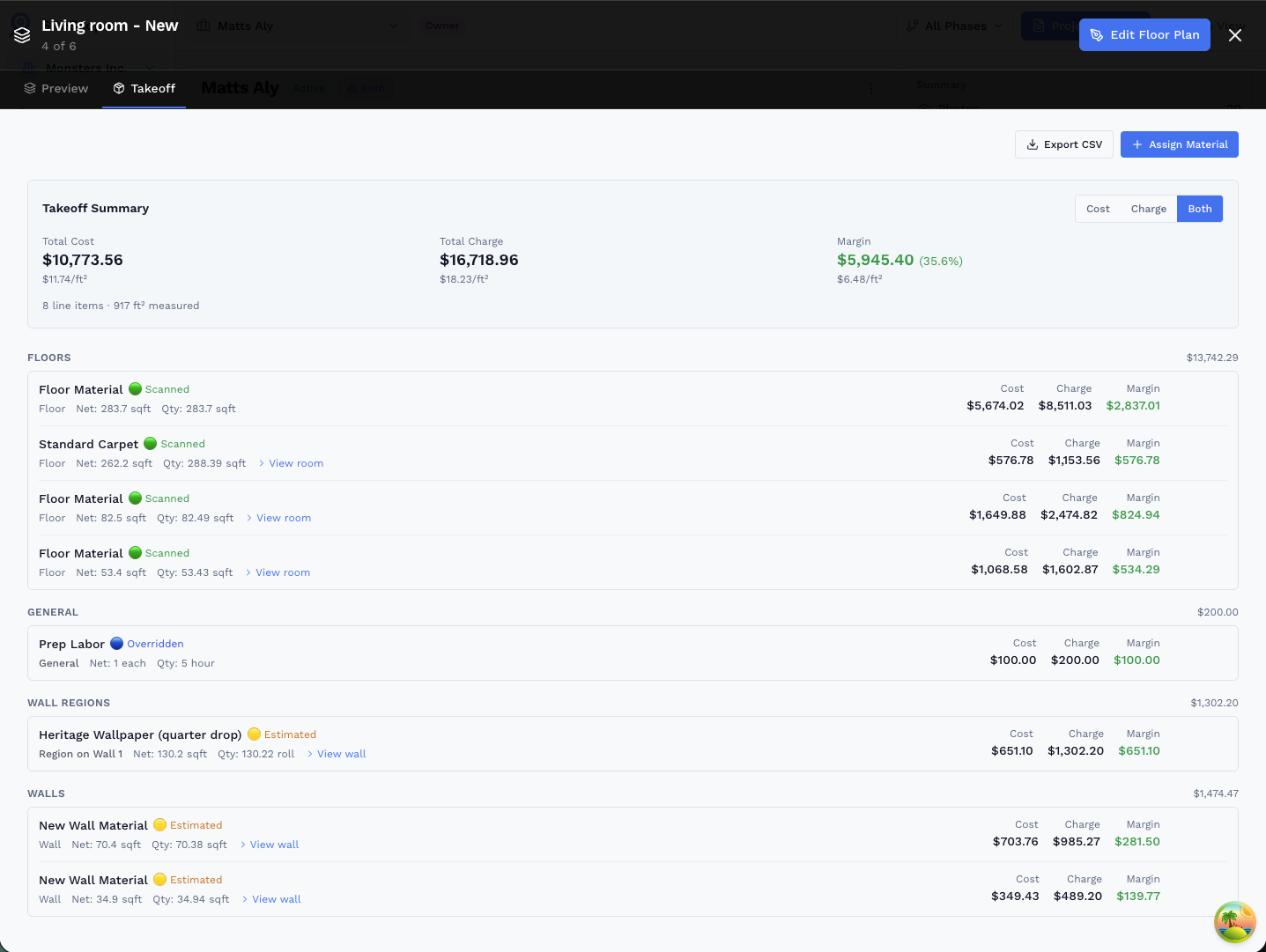
Every scan you do is also the input for your material quantities. Document the space, refine the floor plan, then assign materials to walls and rooms. SiteScope computes the quantities, you keep the margin.
- Wall-by-wall quantities: net paintable area auto-computed, with doors, windows, and trim deducted
- Scanned vs. estimated clarity: LiDAR-measured walls are flagged separately from hand-drawn estimates so you know what to double-check
- Your price book, your margin: assign cost and charge per unit, waste factors and coverage math are handled automatically
- Export to CSV for your estimating workflow or bid package
Who Uses SiteScope Interior
Trusted by professionals who work inside buildings every day.

Interior Design
Present 3D walkthroughs to clients instead of flat sketches.
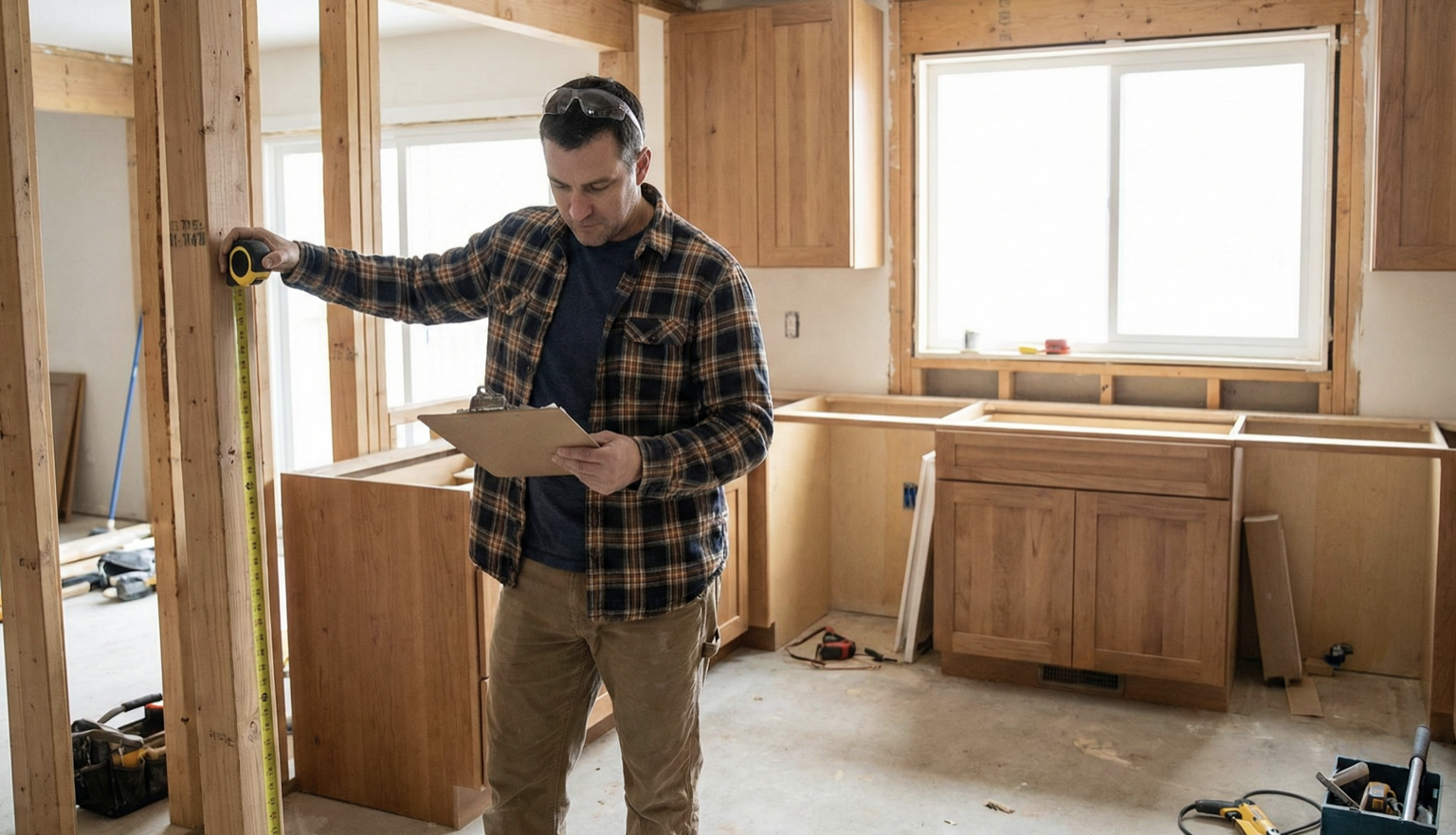
Remodeling
Get every measurement on the first site visit. No return trips.
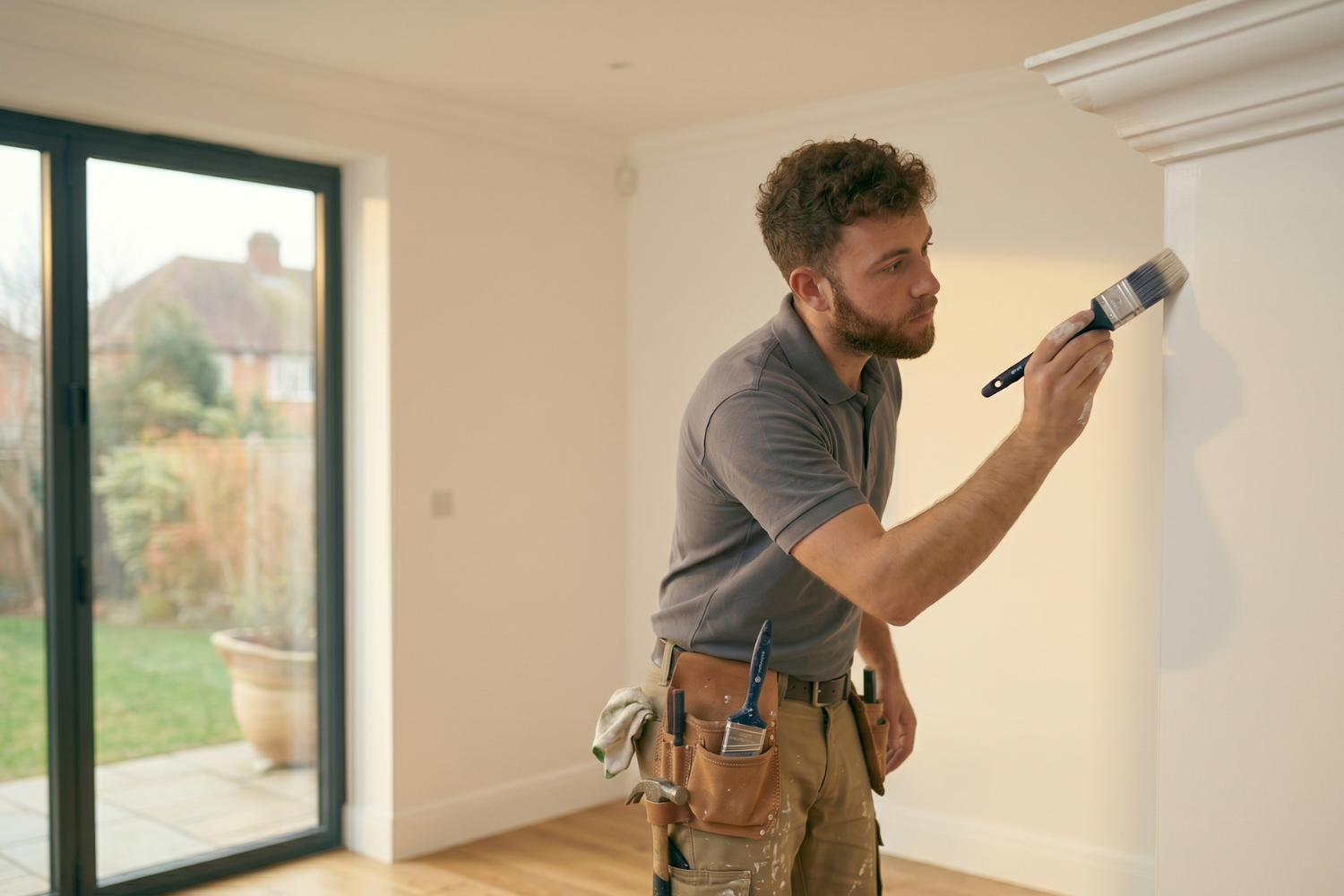
Painting
Gallons by wall, openings deducted, bid the same day you scan.
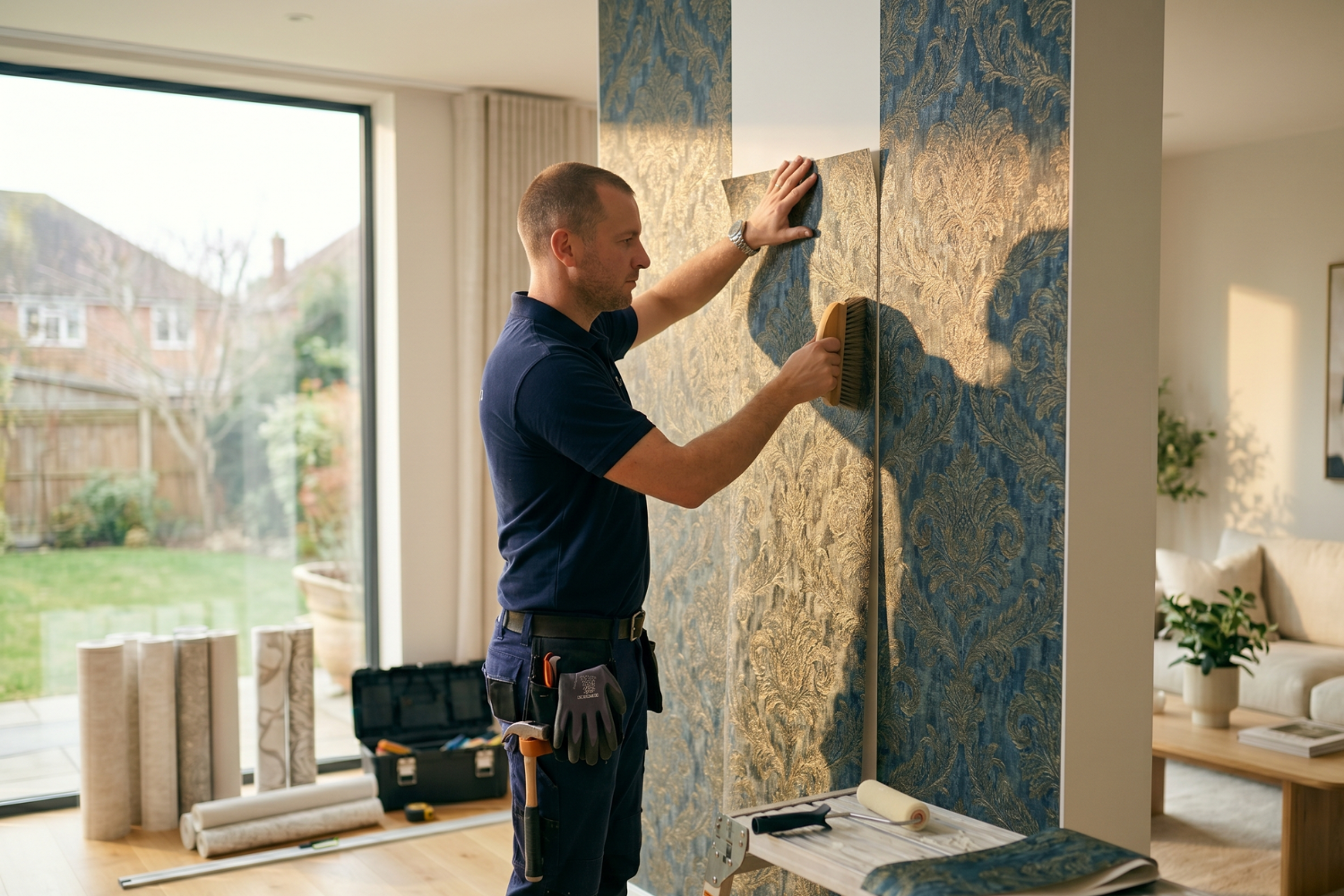
Wallpaper
Rolls calculated per wall, pattern repeats included, openings deducted.
Get Started in Minutes
Download the mobile app to scan rooms with LiDAR. Sign up on the web to edit floor plans, add furniture, and export to CAD.
Sign Up Free